

How It All Works
Detect risks early, get notified instantly, and respond before escalation.
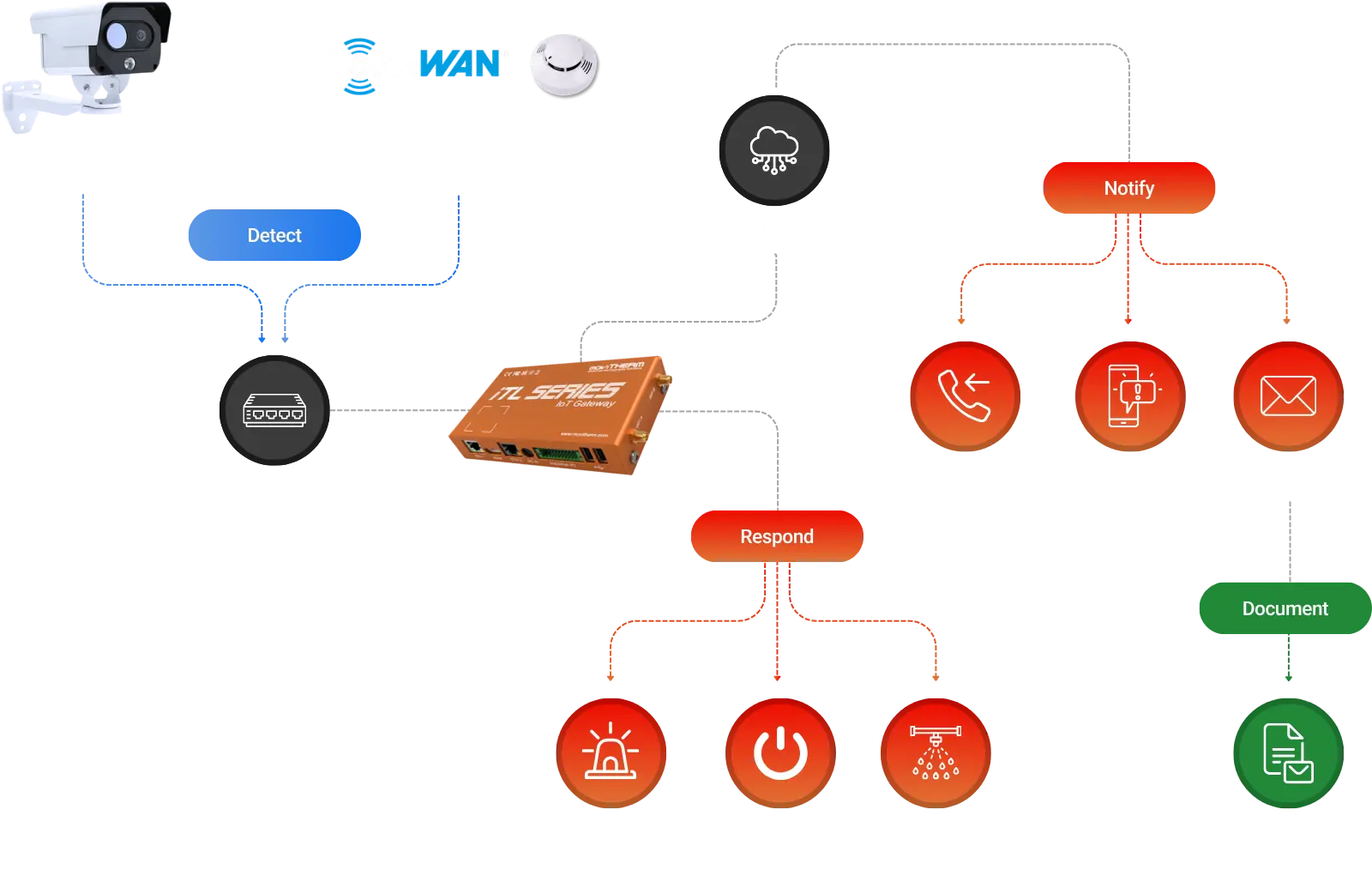
Detect Early. Respond Faster. Prevent Damage.
The iTL platform automatically detects risk and alerts the right people only when action is needed.
Intelligent Alerts & Automated Outputs
Alerts are delivered by SMS, email, or voice and can trigger external systems for faster response.

AI Filtering to Eliminate False Alarms
Object filtering and scheduling help reduce false alarms and improve confidence in every alert.

Event Reporting for Compliance & Traceability
Every event is documented with images, alert details, and a downloadable PDF report for traceability and compliance.

Alerts That Match Your Operations
Alert activity can follow predefined schedules, shifts, or specific days to match how your operations run.
Bring Every Camera & Sensor Together
Centralize all devices into one unified platform to gain clearer visibility, faster decisions, and stronger risk control.
Plug In. Power Up. Start Monitoring.
Thermal cameras are detected instantly, reducing setup time and allowing monitoring to begin within minutes.
ROIs Sync Automatically
Regions of interest created on your camera automatically sync into the platform without manual setup.
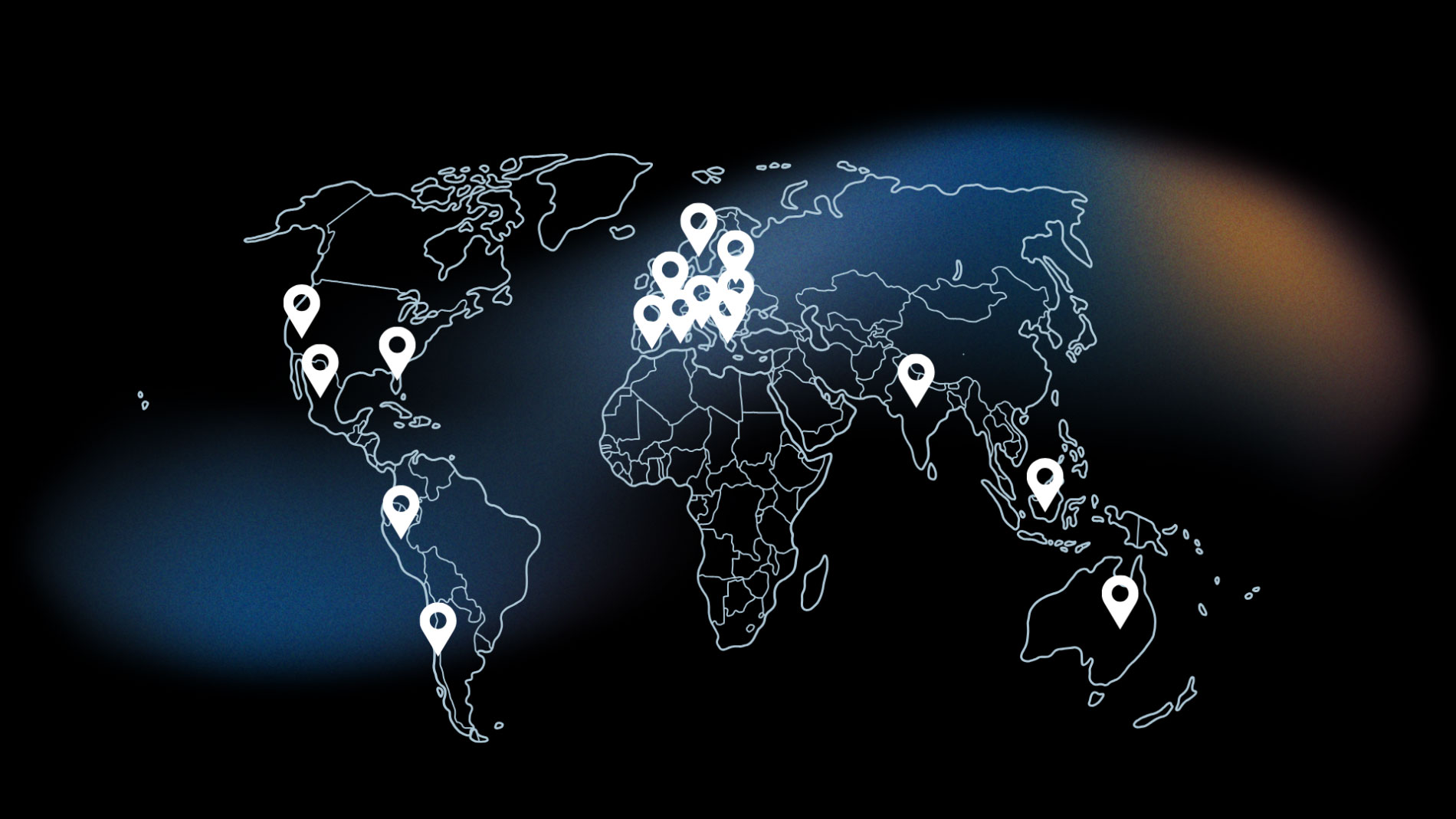
Built for Multi-Facility Operations
Supports multi-facility operations by centralizing alerts, reporting, and visibility across all locations.
Clear Visibility When You Need It
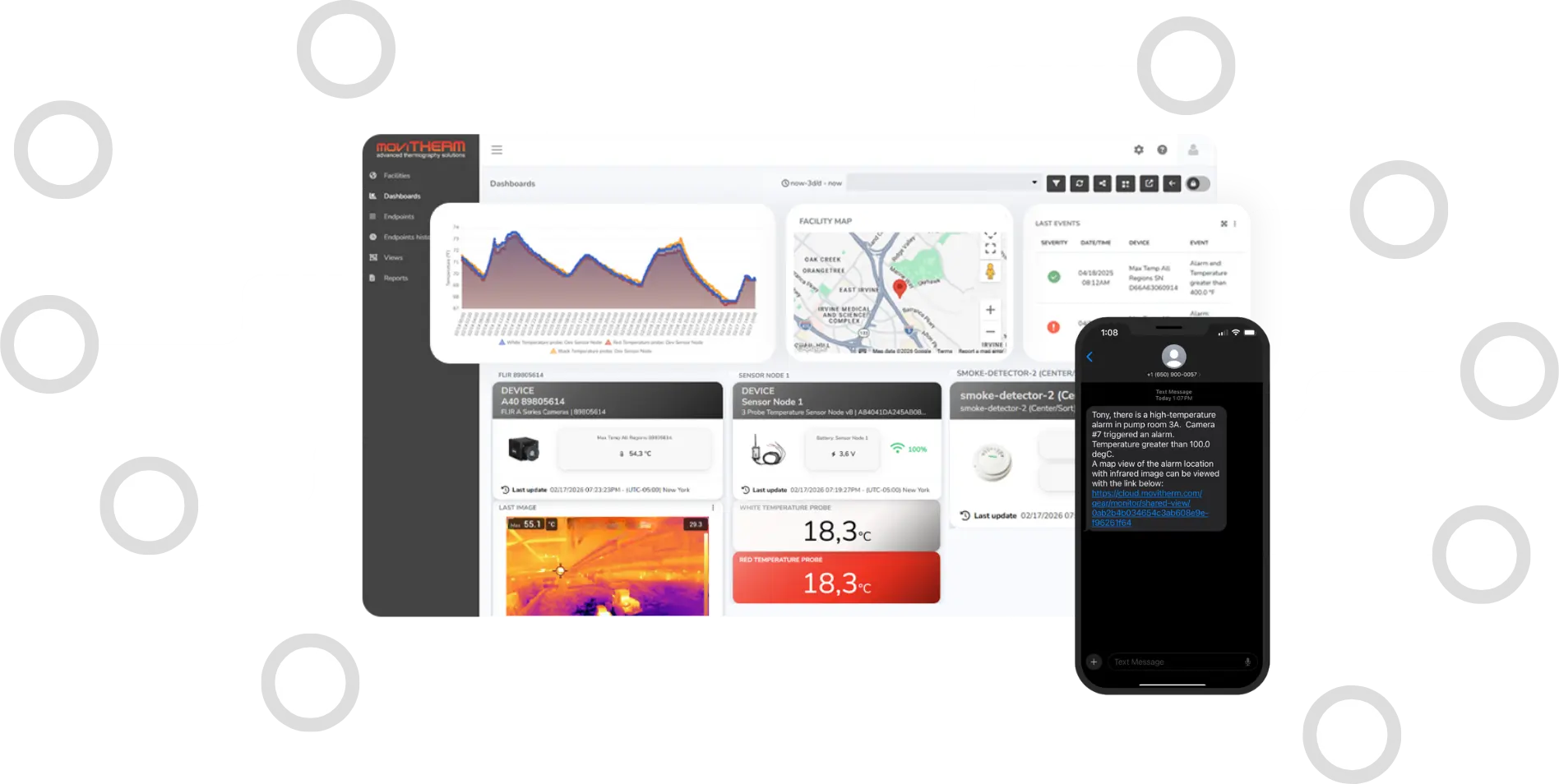
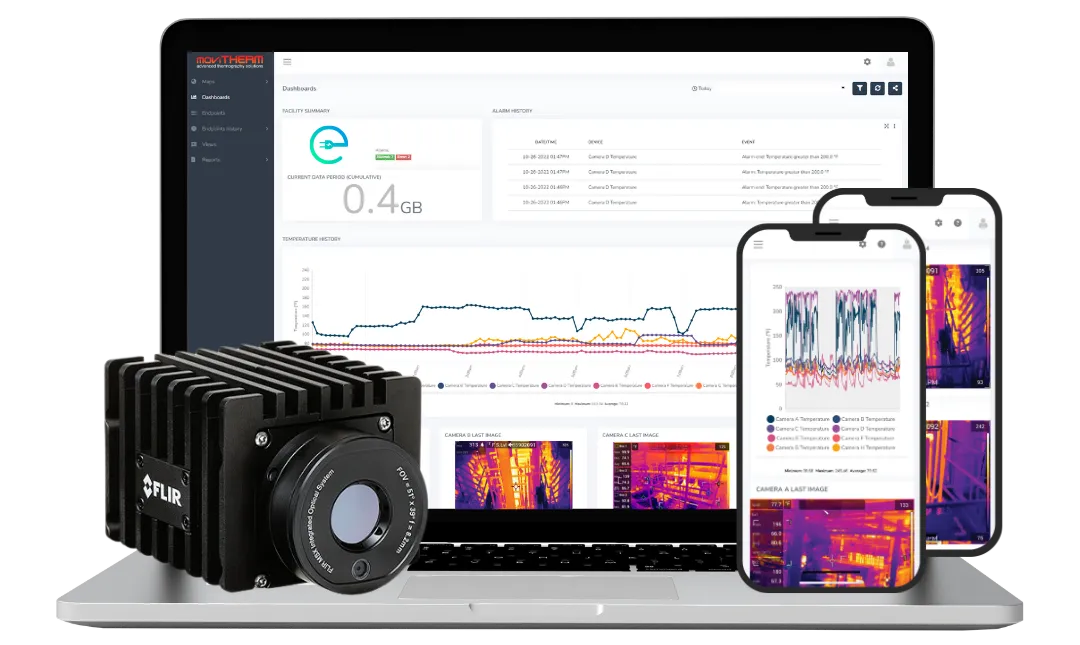
Dashboards, maps, and reports designed to give instant insight without overwhelming your team.
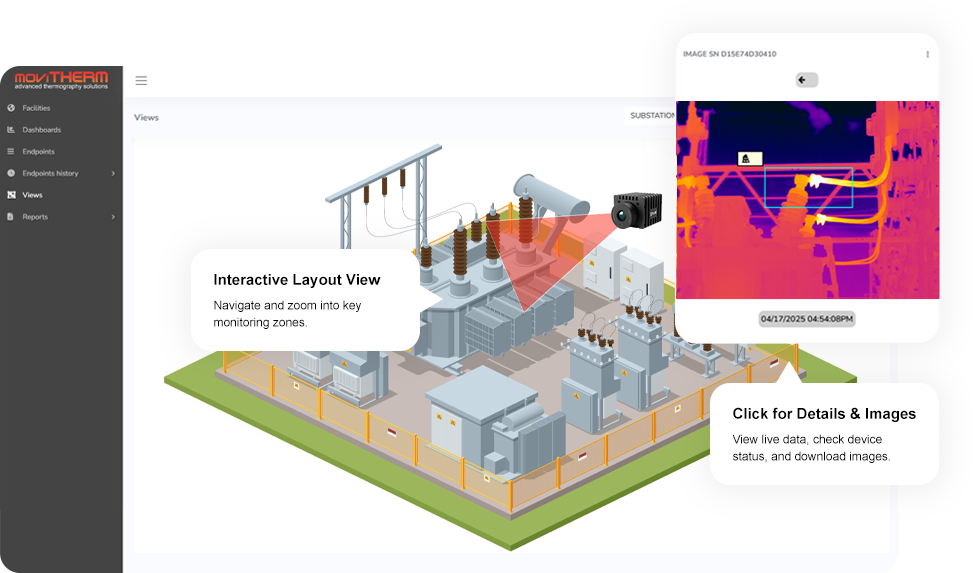
View sensor locations and camera coverage within each facility.
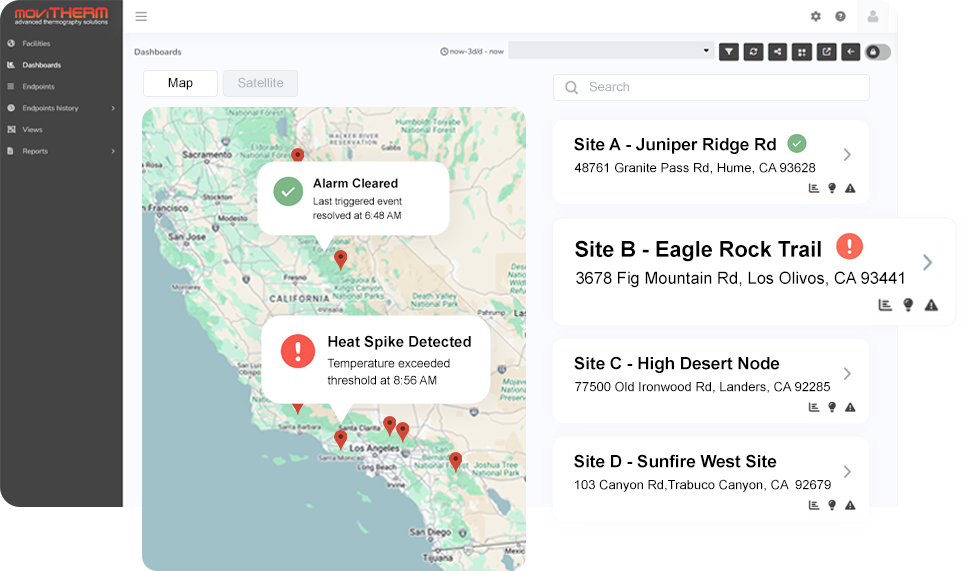
See all your facilities at a glance and spot issues instantly.
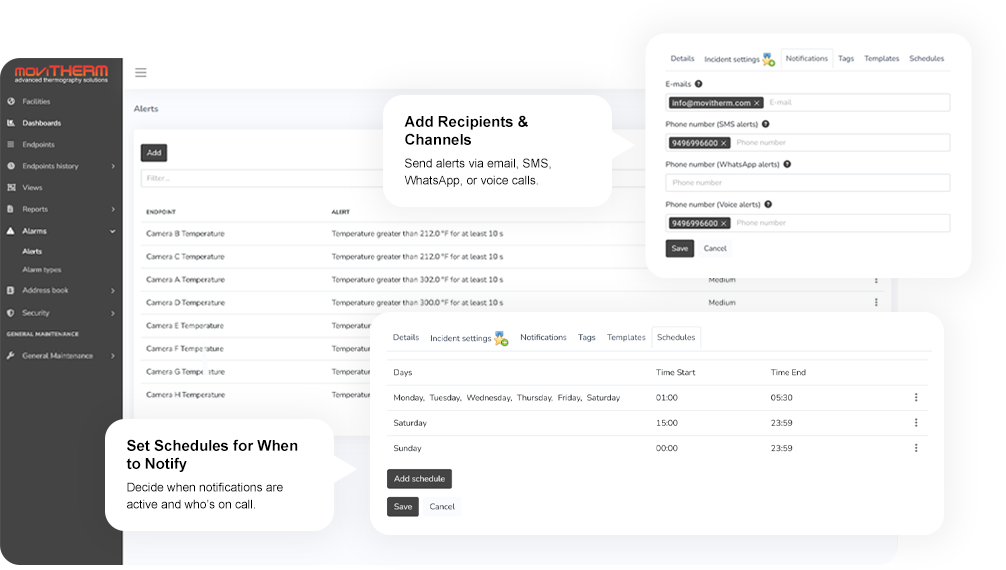
Define severity levels, templates, and recipients for each alert type.
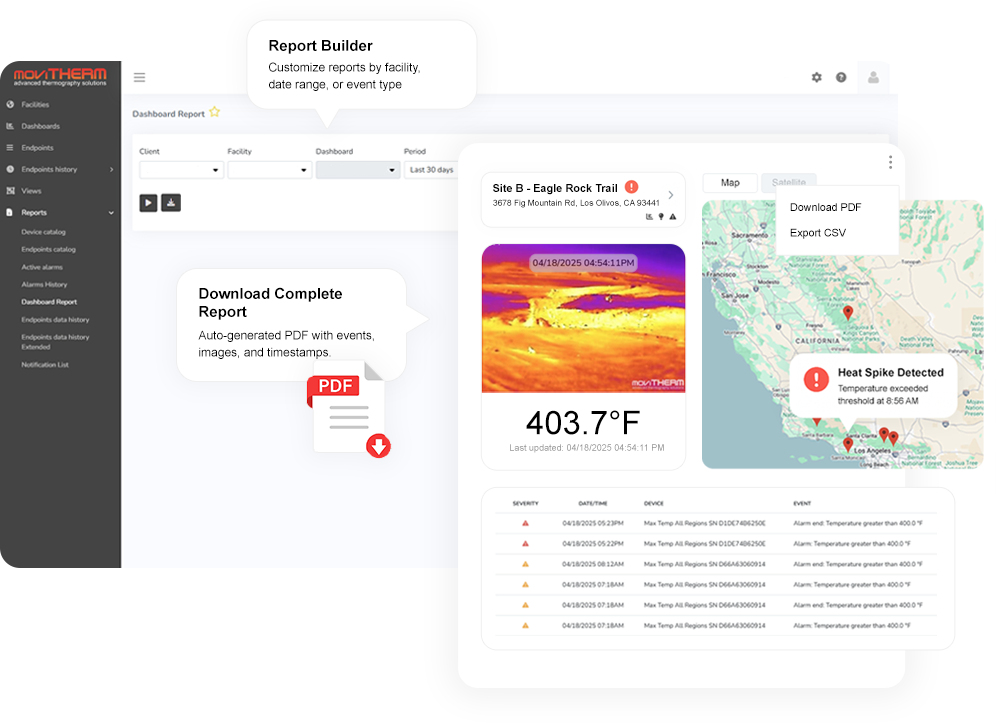
Generate PDF or CSV reports with images, events, and timestamps automatically.
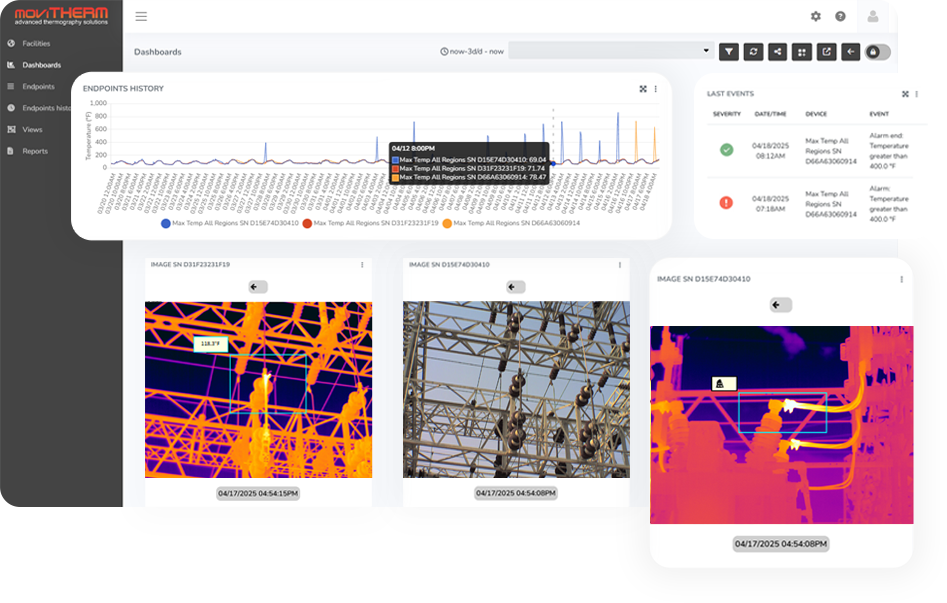
View real-time summaries of alarms, camera health, and system activity per site.
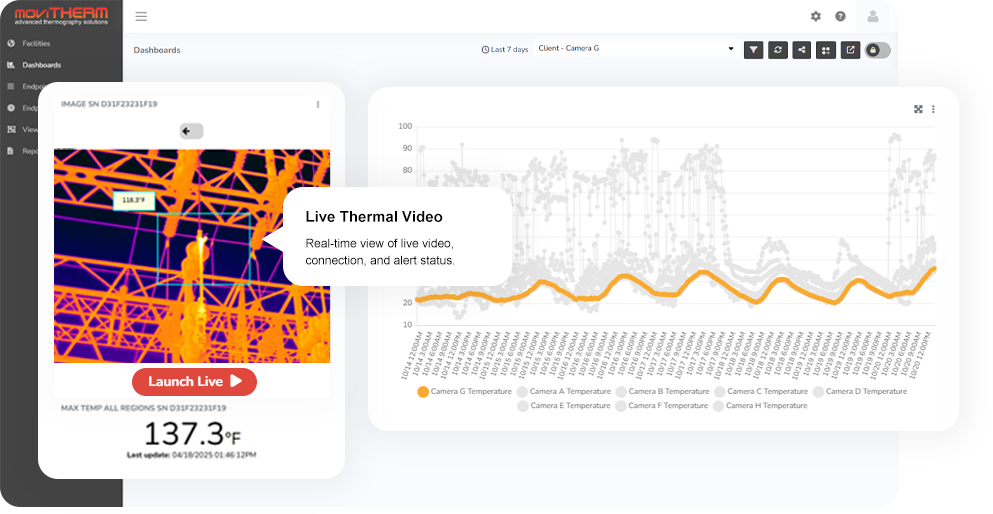
View real-time thermal monitoring feeds directly from your cameras.
Early Detection Without Alarm Overload
AI-powered object detection distinguishes real thermal events from routine activity like vehicles and equipment.
Deploy It Your Way
Choose the deployment option that fits your network, location, and operational needs.


Proven Across Real-World Applications
From critical infrastructure to high-risk industrial environments, thermal monitoring helps detect issues early and reduce operational risk.
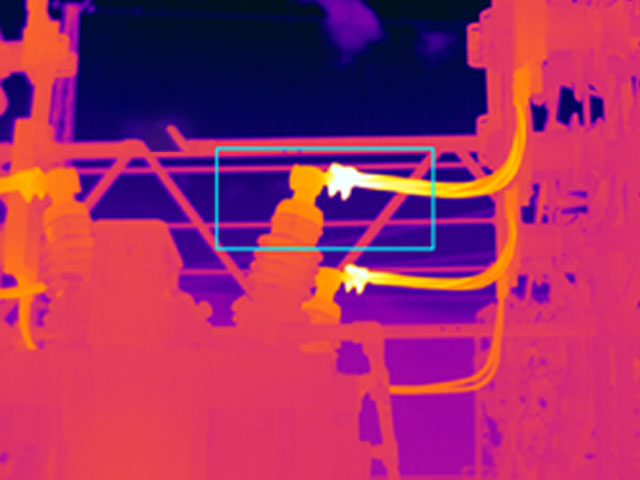
Electrical Substations & Power Distribution
Identify failing components and hot connections that can trigger blackouts or equipment damage.
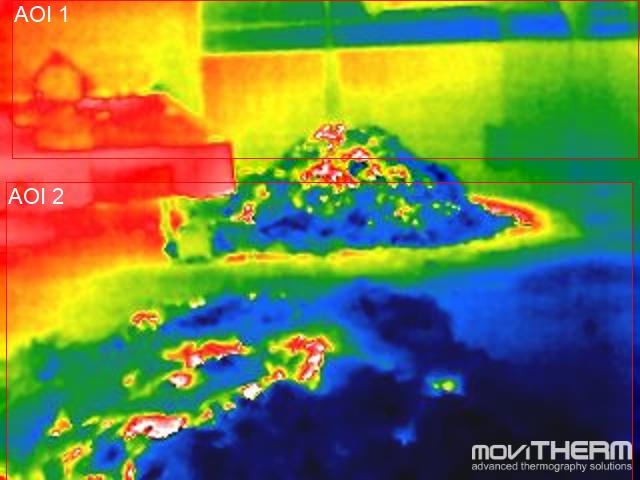
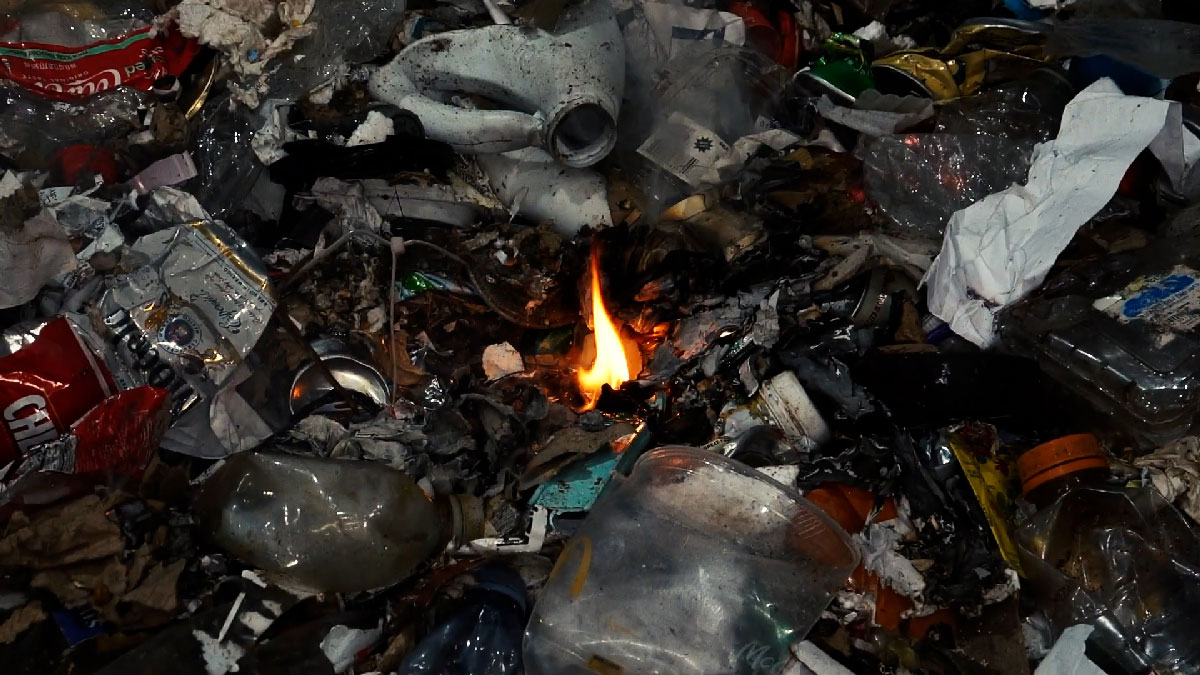
Recycling & Waste
Continuously scans piles, conveyors, and balers to detect hotspots early, alerting operators to take quick action and prevent potential fire risks.
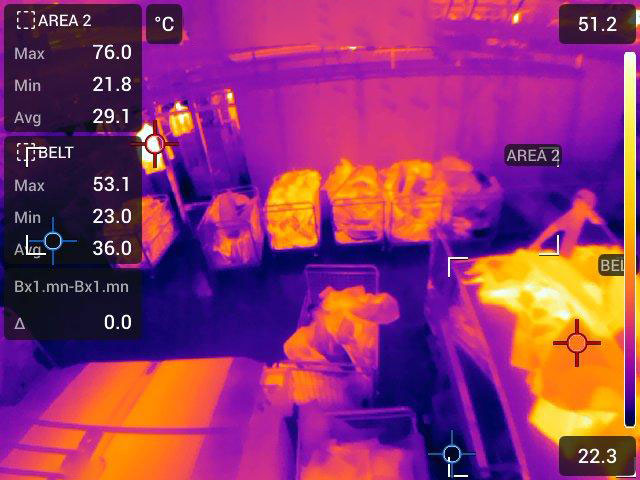
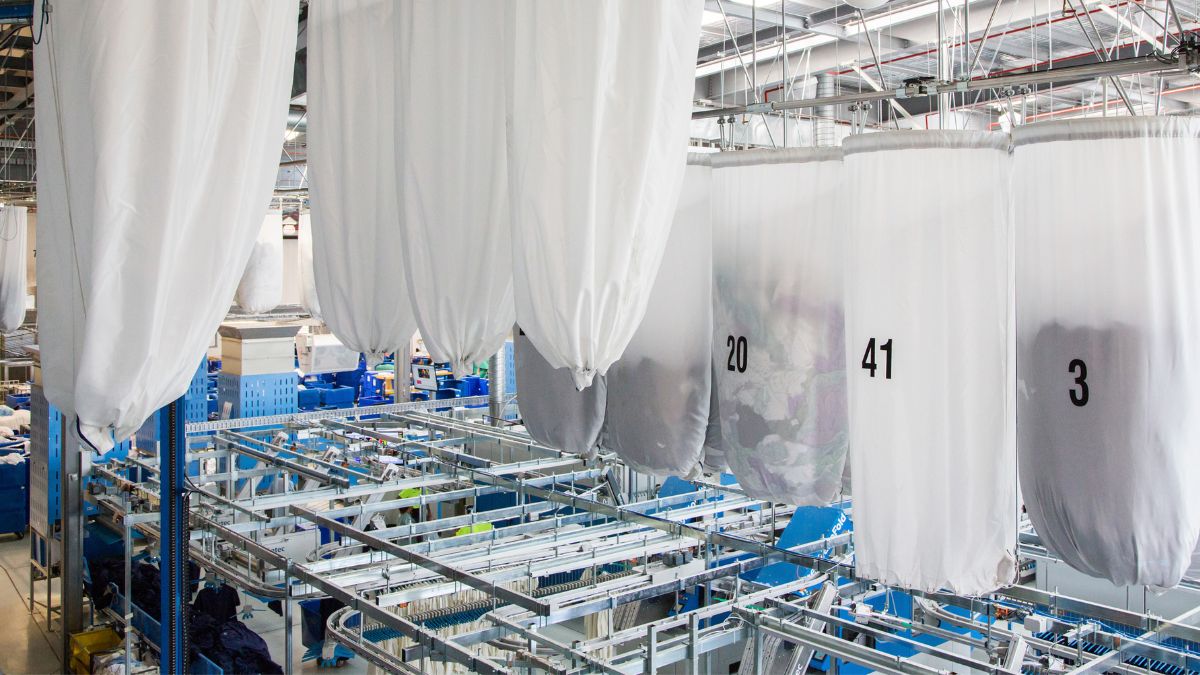
Industrial Laundry
Monitors dryers, lint traps, and linen piles for heat buildup, detecting rising temperatures early to prevent spontaneous combustion.
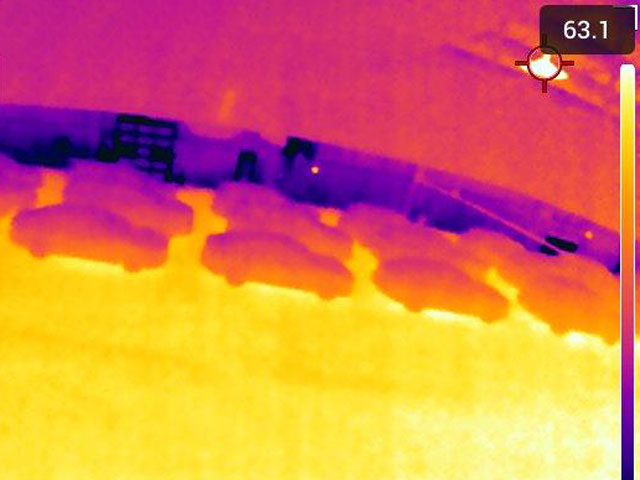
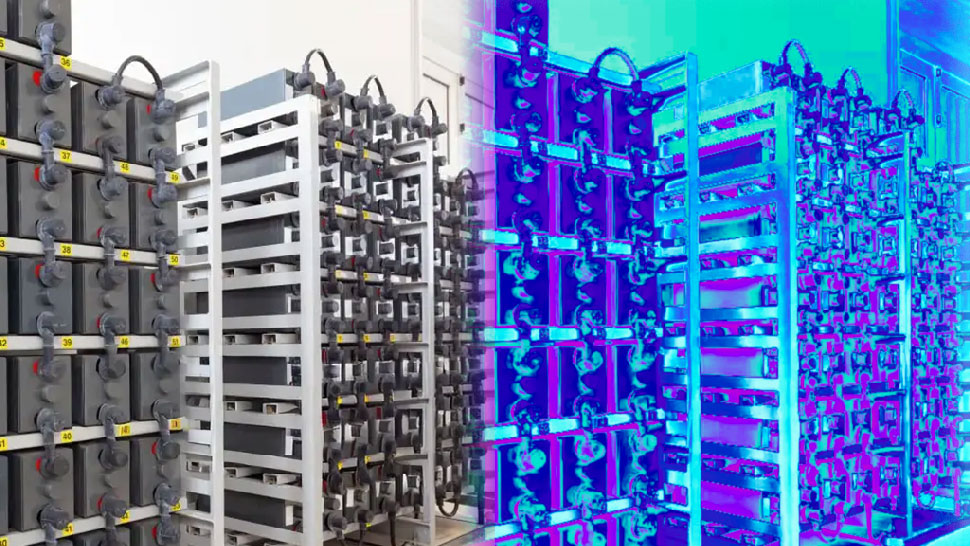
Battery Storage & EV Charging Stations
Continuously monitor charging stations and energy storage to detect thermal runaways or failing cells before they escalate.

Warehousing & Logistics
Protect combustible goods with around-the-clock monitoring. Ideal for storage areas, lithium shipments, or temperature-sensitive inventory.
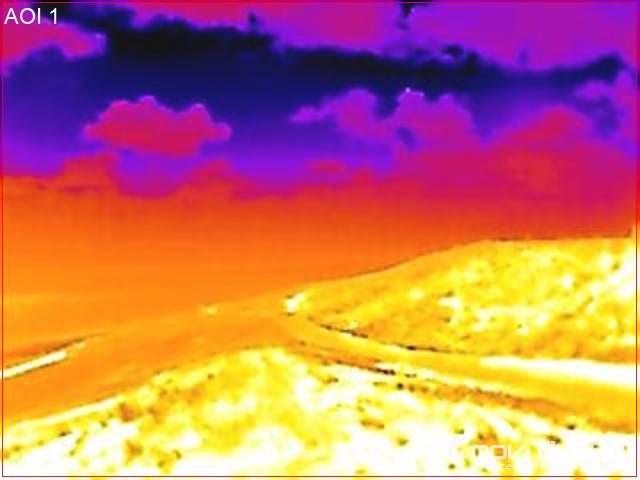
Wildfire-Prone Areas
Deploy thermal monitoring near vegetation, utility poles, or equipment yards to identify sparks or heat sources before a fire spreads.
Choose One Brand or Combine Multiple
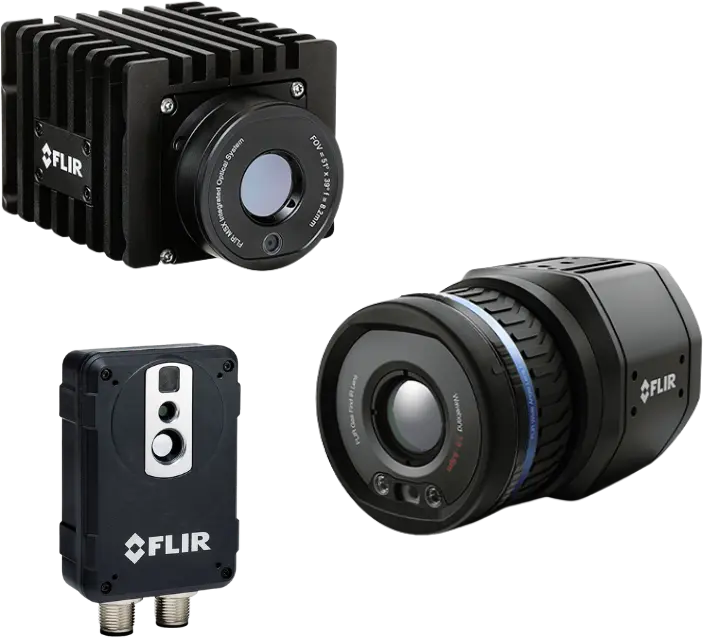
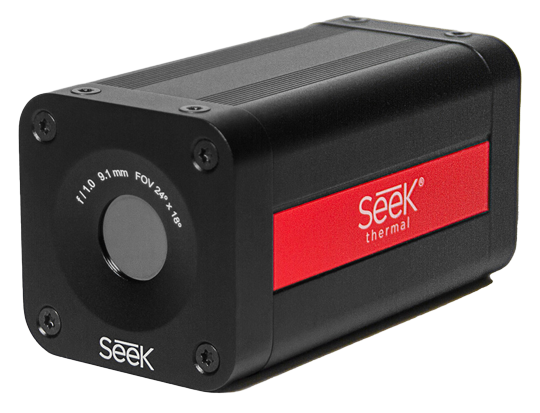
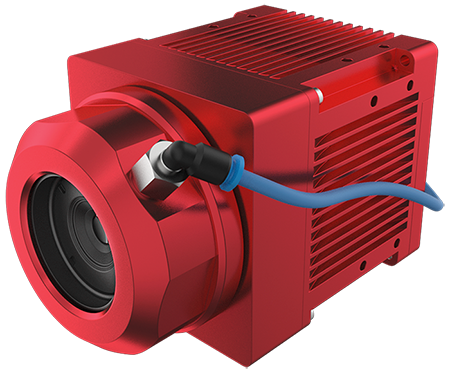
iTL is camera-agnostic. Connect leading thermal cameras based on price, specs, or brand preference.

See How Quickly Early Warning Is Activated
Watch how easy it is to set up, connect your cameras, and activate early warning in minutes.
Already Have Cameras? Just Plug Them In
iTL 2.0 instantly turns your existing thermal cameras into a complete thermal monitoring system. There’s no need for outside integration help. As long as your camera is supported, you can connect it and start viewing live data, receive alerts, and track trends right away.
Technical Specs
For those who actually care about the details. :)
| Feature | 1.0 | 2.0 |
|---|---|---|
| Continuous IR monitoring | ✓ | ✓ |
| Ethernet and Cellular connection options | ✓ | ✓ |
| Image upload during thermal events | ✓ | ✓ |
| SMS, Phone, and Email alerts | ✓ | ✓ |
| Local Digital Output | ✓ | ✓ |
| FLIR Axx/Axxx Smart Series | ✓ | ✓ |
| SEEK Thermal G-Series | ✓ | ✓ |
| AT IRSX Smart | — | ✓ |
| Planck Vision TNC Series | — | ✓ |
| Improved incident reports | — | ✓ |
| Adjustable data upload rates | — | ✓ |
| Automated device configuration | — | ✓ |
| Automated dashboard configuration | — | ✓ |
| Live streaming from gateway interface | — | ✓ |
| Multiple threshold setpoints per region of interest | — | ✓ |
| Edge-computed data for multiple regions of interest (delta, max pool) | — | ✓ |
| Feature | Description |
|---|---|
| Dashboards | User-defined layout with custom widgets for IR image snapshot and history scroll, IR camera temperature measurement and trend, camera internal temperature and trend, alarm summary table, *cellular signal strength and data usage. |
| Automated Dashboards | System-defined layouts that are automatically created when a device is added to the iTL gateway. |
| Views | Upload facility overhead photos, maps, or CAD schematics: overlay cameras and sensors with alarm status graphics. IR image snapshot with history scroll. |
| Alarm Schedule | Define active hours for any alarm so it only triggers during that window. Events outside the schedule are suppressed. |
| Alerts & Notifications | Customized alerts and alarm notifications via text message, email, and dashboard. |
| Auto-Dialer | Virtual Auto-Dialer, message creation via text-to-speech interface. |
| Alarm Response Time | Locally via Gateway immediately upon breach of alarm threshold. Gateway signals cloud server an alarm condition, independent of cloud data update rate. |
| Reports | Dashboard Reports, Scheduled reports via email, customizable for daily, weekly, or monthly delivery. |
| Event Time Line | See a chronological view of each alarm, including the triggering device, start and end timestamps, images recorded during the event, and the contact list that was notified. |
| Event Report (PDF) | Generate a PDF summary from the Event Timeline. The report includes device details, start/end time, images from the event window, and the notification list — perfect for sending updates or keeping records. |
| Address Book & Groups | Contact name, email, and mobile phone inputs. Organize by groups to coordinate notifications with shift schedules. |
| System Access | OS independent. Connect with any smart internet-connected device with access rights. |
| Licenses | Unlimited with paid subscription. |
| Security | Amazon Web Services 2048-bit encryption. *Secure off-network via cellular connection. |
| iTL Gateway | |
|---|---|
| Internet Connection | Via existing customer network (Model ITL-GTW-ETH-WW). |
| Remote Support | Remote support provided upon request. |
| Gateways & Protocols | Ethernet/IP, HTTP/HTTPS, Modbus/TCP, MQTT with TLS (MQTTS). |
| Gateway Size (L × W × H) | 132 × 84 × 25 mm (5.2 × 3.3 × 1.0 in). |
| Connectivity | 2 × GigE/1000 Mbs Ethernet Port, Built-in LTE. |
| Outputs | 4 Digital Outputs, 24 V EN 61131-2. |
| Gateway Mounting | DIN Rail (with adapter), Panel Mount, VESA Mount (with adapter). |
| Operating Temperature | -40 °C to 80 °C (-40 °F to 176 °F). |
| Supply Voltage | 8 V to 36 V DC, supports PoE. |
| Power Consumption | 3 W to 8 W operating. |
| Compatible IR Cameras | SEEK G300 Guardian Series, Flir AX8, A40/50/70, A400/500/700 Smart Cameras, AT IRSX Smart, Planck Vision TNC Series. |
| iTL Gateway UI | |
|---|---|
| IR Camera Models Supported | SEEK G300 Guardian Series, Flir AX8, A40/50/70, A400/500/700 Smart Cameras, AT IRSX Smart, Planck Vision TNC Series. |
| Automated ROI Integration | Create Regions of Interest (ROIs) on any supported IR camera, and they’re instantly synced to the gateway and provisioned on the cloud platform — no manual re-entry required. |
| Adjustable data upload rates | Adjust the image upload rate with 5 presets available. |
| Automated device configuration | Add a supported IR camera to the gateway, and its ROIs and image settings are automatically provisioned in the cloud and kept in sync. Zero manual setup. |
| Automated dashboard configuration | When a supported IR camera is added to an iTL gateway, dashboard widgets for images and temperature (per ROI) are created automatically — ready to use, no manual setup required. |
| Live streaming from gateway interface | Open a live RTSP feed for any connected thermal camera from the gateway interface. Use it to aim, focus, and verify alignment during installation, or to monitor in real time. |
| Multiple threshold setpoints per region of interest | Multiple threshold setpoints per ROI: define low, medium, and high alert levels for each Region of Interest — enabling clearer severities and smarter notifications. |
| Edge-computed data for multiple regions of interest (delta, max pool) | Compute delta and max-pool values directly at the edge from camera ROIs, publishing as real-time endpoints for alerts, dashboards, and automations. The gateway calculates metrics from your camera’s ROIs in real time:
Δ (delta): Difference between a target ROI and a reference (e.g., ambient ROI or another asset). Max-Pool: The maximum temperature across selected ROIs. Use these metrics for thresholds, notifications, and trend widgets without extra cloud processing. |
| Local Digital Output | Choose which alarms drive this digital output. You can select a single alarm or multiple alarms; if any of them trigger, the output turns on. |
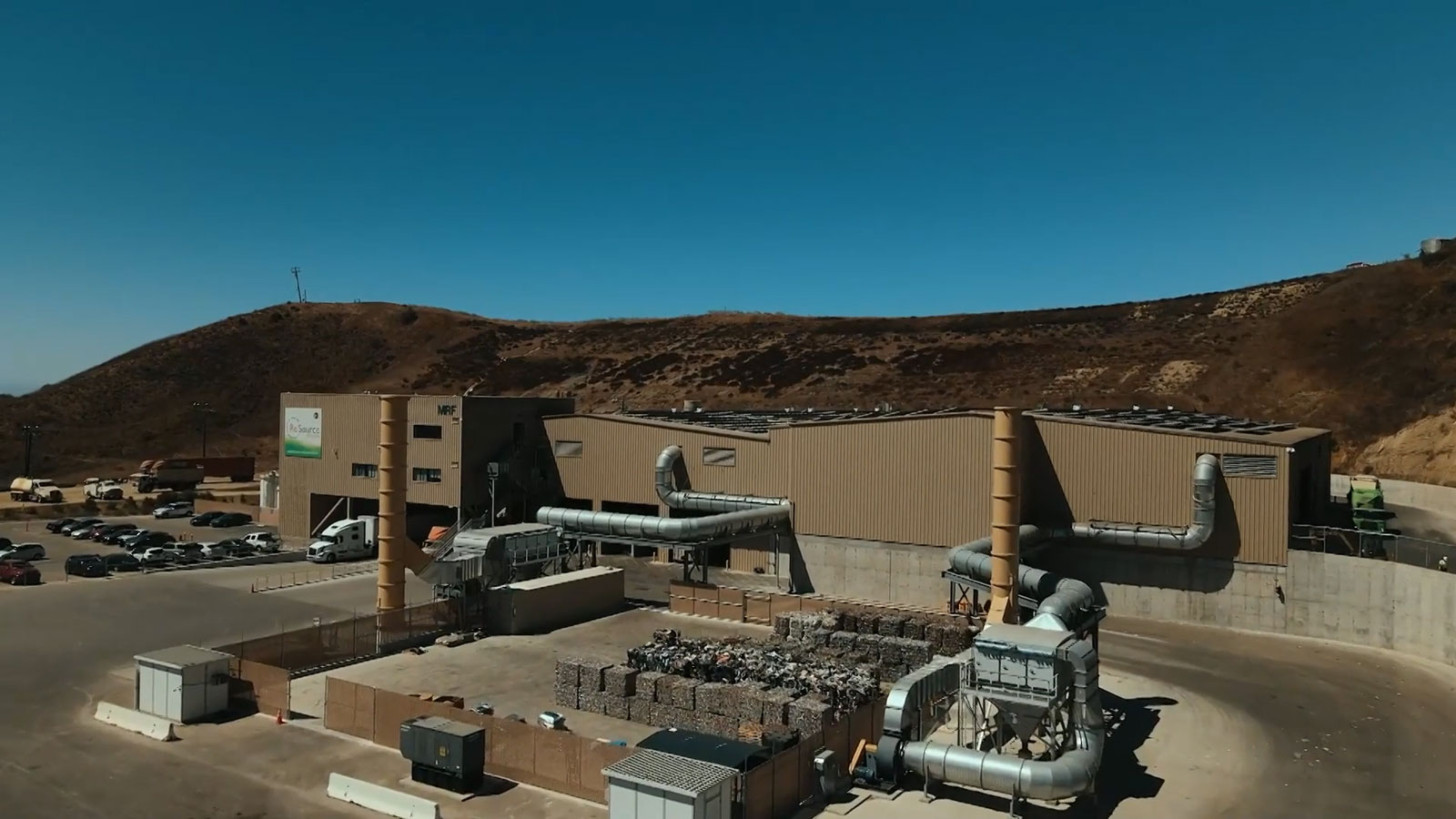
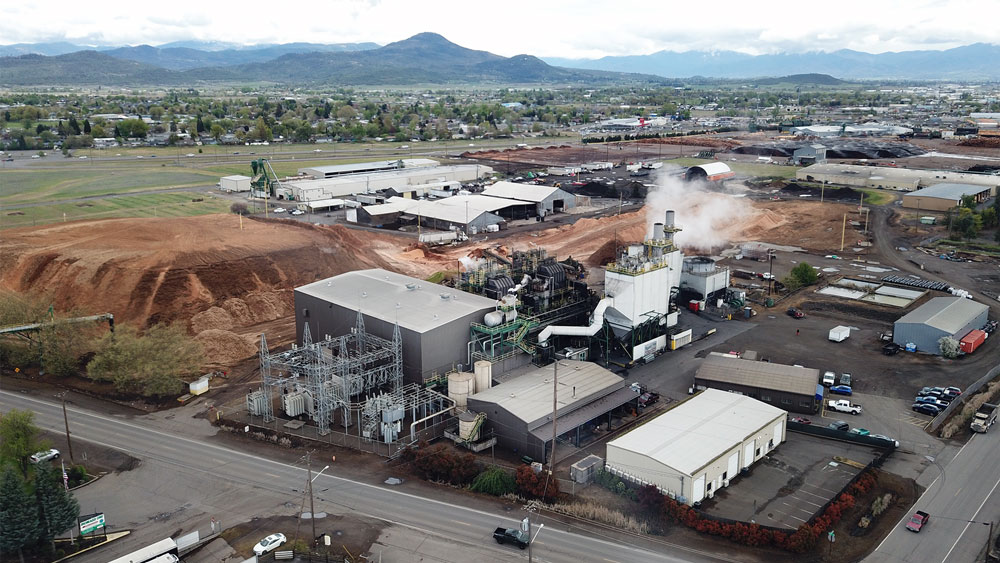
Real Examples of iTL in Action
Learn how customers rely on thermal monitoring to catch issues early and avoid costly downtime.
Request a Demo
See how iTL delivers automated early warning and reliable alerts.